Connecting Remote Monitoring Data to Your EHR: Integration Patterns That Work
Remote monitoring data lives outside the EHR. HL7 FHIR and SMART on FHIR integration patterns are closing that gap in cardiology programs
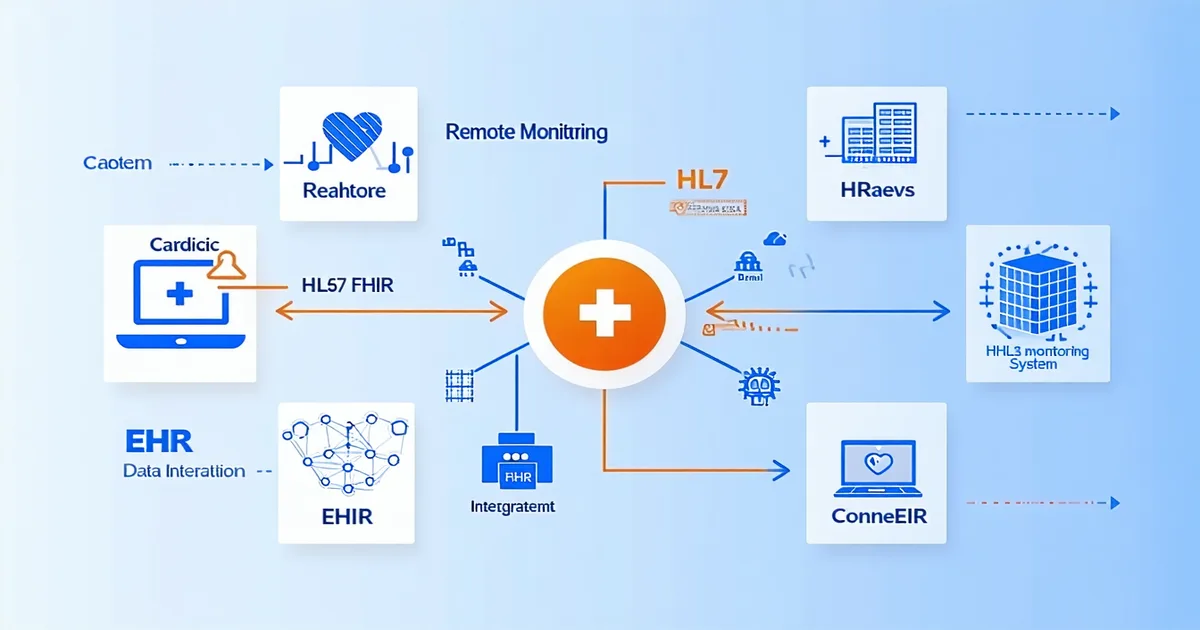
Remote monitoring data for cardiac implanted devices lives, almost universally, outside the electronic health record. A patient with an ICD seen in the EP clinic has their device check data in the manufacturer's remote monitoring portal — CareLink, LATITUDE, Merlin.net, Biotronik Home Monitoring — and their clinical chart in the EHR. The EP physician reviewing that patient's transmission summary is either doing it in the vendor portal before switching to the EHR to write the note, or is working from a printout, or is transcribing values manually. None of these workflows scale, and all of them introduce transcription risk.
Closing the gap between device telemetry data and the EHR is not a new aspiration. Cardiology informatics teams have been working on versions of this problem for more than a decade. What's changed is the standards maturity: HL7 FHIR R4 and the SMART on FHIR authorization framework have reached a level of adoption in major EHR platforms that makes structured telemetry integration a tractable problem rather than a custom development project for each site.
But tractable is not the same as straightforward. Clinical IT teams evaluating remote monitoring integration options face a set of choices about architecture, data model, and workflow placement that will shape what the integration actually delivers. This article describes the integration patterns that work in practice, and the ones that look attractive in a vendor demo but create operational problems post-deployment.
What data needs to move — and what doesn't
The first design decision is scope. Not all device telemetry data is clinically useful in the EHR context. The physician writing a clinical note after reviewing an ICD remote check needs to document: what was reviewed, what the clinically relevant findings were (AT/AF burden, any delivered therapies, battery status, lead parameters outside range), and the clinical interpretation and plan. They do not need 90 days of every raw sensor reading from the device embedded in the chart.
An integration that pipes every available data field from the remote monitoring service into the EHR creates a documentation burden rather than reducing one. A hospital-based device clinic in the Mid-Atlantic that piloted a broad-scope telemetry-to-EHR integration found that their physicians spent more time managing the imported data in the chart than they had previously spent transcribing the relevant values manually. The issue wasn't the data; it was the lack of curation. A CareLink or LATITUDE transmission contains dozens of parameters. Three to six of them are clinically relevant to the encounter note. The integration layer needs to know the difference.
HL7 FHIR R4: the current integration standard
HL7 FHIR (Fast Healthcare Interoperability Resources) R4 is the current standard for structured health data exchange. For cardiac device telemetry, the relevant FHIR resources include Observation (for device parameter values — lead impedance, pacing percentage, battery voltage), DiagnosticReport (for transmission summaries and interpreted findings), Device (for the implanted device registry), and DeviceMetric / DeviceRequest for operational monitoring context.
The practical integration architecture for a telemetry analytics platform connecting to an EHR via FHIR involves: the analytics platform (as FHIR client) either reading from the EHR's FHIR API (to pull patient demographics and current medication context) or writing to it (to push transmission summaries and interpreted findings). The write pathway — posting telemetry-derived Observation and DiagnosticReport resources to the EHR — is the integration pattern that directly reduces transcription burden.
EHR FHIR server readiness varies. Epic's FHIR R4 API is mature and widely deployed; Oracle Health (Cerner) has a solid FHIR R4 implementation; Allscripts and Meditech have lagged but are catching up. The vendor's claim that they "support FHIR" needs to be qualified: do they support R4 specifically, do they support write operations (not just read), and has the integration been validated in the specific EHR version your organization runs? FHIR compatibility between major versions (R3 vs R4) is not automatic.
SMART on FHIR: authorization at the app layer
SMART on FHIR is the authorization framework that governs how third-party applications access EHR FHIR APIs. It uses OAuth 2.0 authorization flows to issue scoped access tokens that define what patient data the application can read or write and for which patients.
For a cardiac telemetry analytics platform, the SMART on FHIR integration model has a significant workflow advantage: it enables the platform to launch from within the EHR interface (as a SMART app launch), presenting device data in the clinical context of the patient chart without requiring the clinician to navigate to a separate portal. The physician reviewing an ICD patient's chart clicks a context-aware launch button, the telemetry analytics view opens in a panel within the EHR encounter, and the relevant transmission data is available alongside the chart — without a tab switch.
The limitation of the SMART app launch model is that it's encounter-driven. The clinician needs to be in a patient's chart for the integration to surface. This works well for face-to-face encounters and for the physician co-signature workflow. It works less well for the nurse who opens the device clinic queue at 7:30 AM and needs to work through 80 transmissions across patients who don't all have open encounters. That workflow is better served by the native triage queue in the analytics platform, with the SMART app launch available for individual patient drill-down.
Structured export vs. real-time API: choosing the right data flow pattern
Two primary data flow architectures exist for remote monitoring to EHR integration, and they serve different use cases.
Real-time API integration: The analytics platform pushes processed telemetry data to the EHR FHIR API at the time of transmission review — so the EHR record is updated when the clinical interaction happens, not in a batch overnight. This pattern works well for documenting remote monitoring encounters: when the nurse completes her review of an ICD transmission and marks it as reviewed with clinical notes, that interaction writes to the EHR in near-real time. The EHR record reflects the monitoring activity as it occurs.
Structured export (HL7 C-CDA or CSV): At scheduled intervals, the analytics platform exports a structured summary of transmission activity for batch import to the EHR. This is technically simpler to implement and doesn't require the EHR to have a live FHIR write endpoint — some health systems have FHIR read APIs but not write APIs enabled for external partners. The tradeoff is latency: the EHR doesn't reflect remote monitoring activity until the next batch runs, which may be daily. For routine remote monitoring documentation, daily batch is acceptable. For same-day Red-tier events, it is not.
A production integration at a cardiology program using Epic typically combines both: SMART app launch for encounter-context access and real-time write for urgent clinical interactions, with a daily structured export as a reconciliation mechanism for any transmission-review activity that occurred outside an open encounter context. The integration architecture in Implansense supports both patterns and selects the appropriate flow based on the clinical urgency tier of the interaction.
What clinical IT teams should evaluate before approving an integration
A remote monitoring analytics platform that writes to your EHR is a high-trust integration. The data it pushes will be visible to clinicians making decisions. Your clinical IT and informatics team should require, at minimum:
Documented FHIR resource mappings — showing exactly which FHIR resources and fields the platform writes, with clinical review of the data model by a physician or clinical informaticist.
Duplicate detection and conflict resolution logic — what happens when a transmission that's already been partially documented in the EHR (e.g., a nurse made a manual note) receives a new push from the integration? Unhandled duplicates create chart clutter and potential documentation confusion.
Audit trail for integration writes — a log of what data the platform wrote to the EHR, when, and triggered by what event. This is both a HIPAA audit control requirement and a practical debugging tool when a clinician reports that something in the chart looks wrong.
Failure mode documentation — what happens when the EHR FHIR API is unavailable? Does the platform queue writes for retry? Does it alert the device clinic that integration writes have failed? An integration that silently fails produces a gap in the chart that no one knows about until a clinical audit. HIPAA audit trail requirements apply to integration failure events as well as successful writes.
The fundamental value of connecting remote monitoring data to the EHR is reducing the manual work and transcription risk in the clinical documentation cycle. That value is realized only if the integration is architected to move the right data, at the right time, with the audit trail and failure handling that clinical data exchange requires. The Clinical Timeline in Implansense is designed with this data architecture in mind — presenting device event history in a format that connects naturally to EHR documentation workflows.